Staying connected in Copenhagen is easy and cheap — but the best way to do it depends entirely on where you’re from, and a lot of older guides give blanket advice that no longer fits 2026. So instead of a one-size-fits-all answer, let me sort you by traveller type. For some of you, the right move is to do nothing at all. For others, an eSIM bought before you land is the smart play. Here’s the full lowdown on Copenhagen SIM cards, eSIMs and WiFi.
The short version: European visitors should just roam, non-Europeans on a short trip should grab an eSIM, and everyone benefits from Copenhagen’s excellent free WiFi. Let me unpack each.
The quick answer, by where you’re from
- EU/EEA resident: Do nothing — your home plan roams free in Denmark.
- UK visitor: Check your plan; some charge ~£2/day, some are free. An eSIM is a cheap backup.
- US / non-EU, short trip: Buy an eSIM before you fly — instant, no ID, ~$7–21.
- Longer stay / heavy data: A local prepaid SIM (Lebara/Lycamobile) or an unlimited eSIM.
- Light user: Lean on free WiFi (it’s everywhere) plus offline maps.
EU and EEA visitors: just roam
If you have a SIM from any EU or EEA country, you’re done — “Roam Like at Home” means your home allowance for calls, texts and data works in Denmark at no extra cost. There’s nothing to buy and nothing to set up. This is the single biggest thing older articles bury, so if you’re European: stop reading and enjoy your trip.
UK visitors: check before you fly
Post-Brexit, the UK is outside the EU roaming rules, so it’s carrier-dependent in 2026. Some UK networks still include EU roaming on certain plans; others charge a daily fee of roughly £2 a day. Three, Vodafone, O2 and EE all have different policies, so check your specific plan before you travel. If yours charges, a cheap eSIM (below) will usually work out better for a week-long trip.
eSIM: the easy choice for non-EU visitors
For most American, Canadian, Australian and other non-EU visitors, an eSIM is the simplest, cheapest option in 2026. It’s a digital SIM you buy and install over WiFi before you leave home; it activates when you connect to a Danish network on arrival. No hunting for a shop, no physical card, no ID required. Almost every phone from around 2018 onward supports eSIM (iPhone XS and newer, recent Pixels and Samsungs) — just make sure your phone is unlocked.
Typical 2026 data-only prices give you a sense of the market (always check current deals, as they shift and run promos):
- Airalo: roughly $4.50 for 1GB/7 days, ~$13 for 5GB/30 days, ~$21 for 10GB/30 days.
- Jetpac: often the cheapest per-GB, around $7 for 5GB and $13 for 10GB, with extras like a VPN.
- Saily: flexible plans from a couple of dollars up, including larger/unlimited options.
- Holafly: unlimited-data plans around $3.90/day if you stream heavily or tether a lot.
- Orange Holiday Europe: includes an actual phone number and EU minutes if you need to make calls.
For a typical few-days-to-a-week city break, a 5–10GB eSIM is ample. Install it the night before you fly, and you’ll have data the moment you land.
Physical prepaid SIM cards
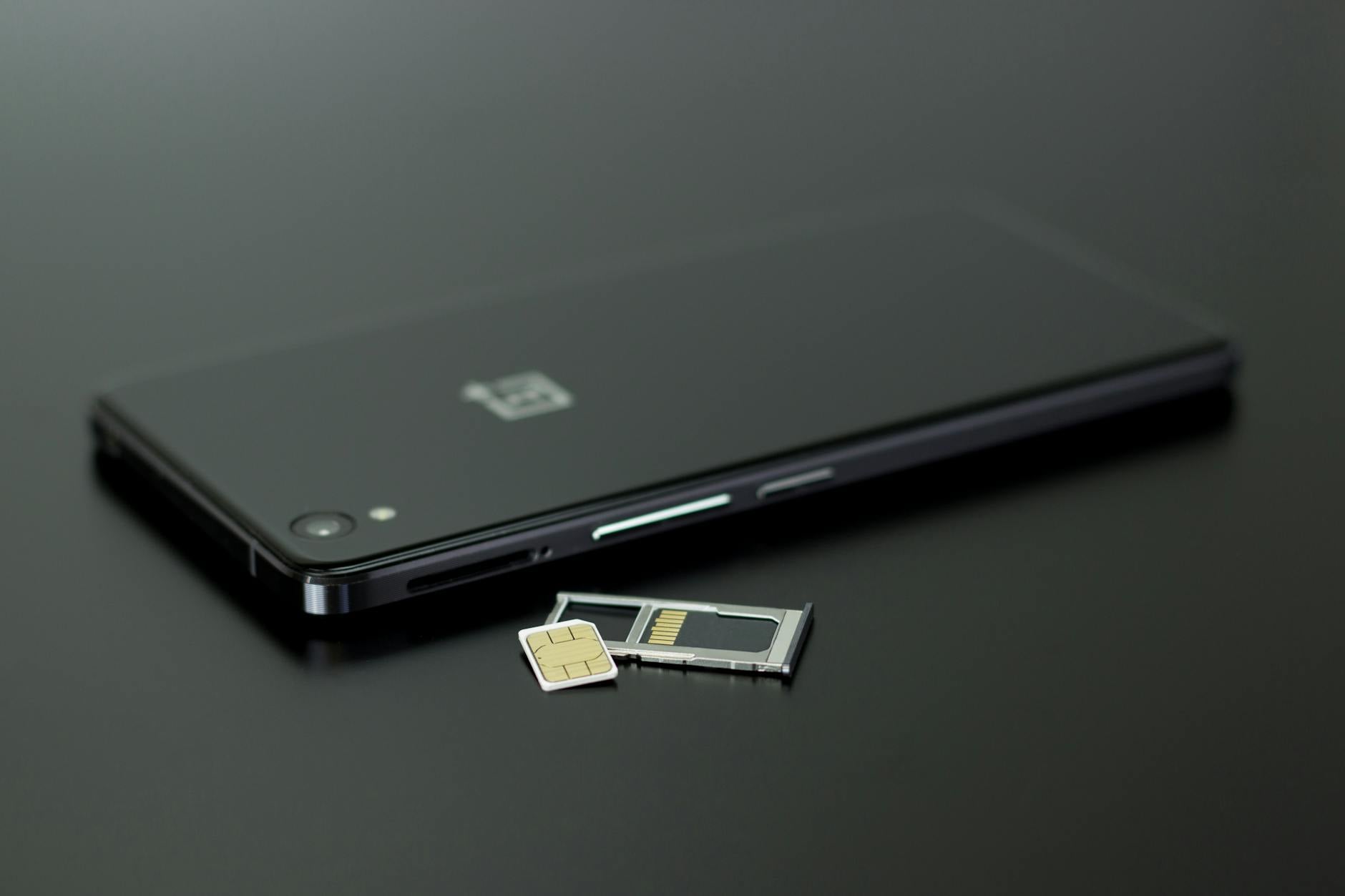
Here’s an honesty point most guides miss: Denmark’s main carriers (TDC/YouSee, Telia, Telenor, 3) no longer really market tourist prepaid SIMs. If you want a physical local SIM, the practical options now are the budget MVNOs Lebara and Lycamobile. You can pick these up at Copenhagen Airport (the 7-Eleven and WH Smith in arrivals, plus a vending machine in baggage claim), and at 7-Eleven, Netto and kiosks around the city. A starter SIM runs a few kroner with some credit, and you top up as needed — a 5GB-plus bundle costs roughly the same as a budget eSIM. No ID registration is currently required for these prepaid SIMs, though that rule has been threatened on and off, so it’s worth a quick check. For most short-trip visitors, an eSIM is simply less hassle than tracking down a physical SIM.
Free WiFi in Copenhagen
Even if you buy nothing, Copenhagen’s free WiFi is genuinely excellent. Copenhagen Airport has free, unlimited WiFi throughout, before and after security. Beyond that, you’ll find free WiFi in nearly all hotels, cafés, restaurants and bars, in public libraries, and in many museums, plus municipal hotspots in central areas. For a light user who mostly needs maps and the odd message, free WiFi plus downloaded offline maps can carry you through a whole trip.
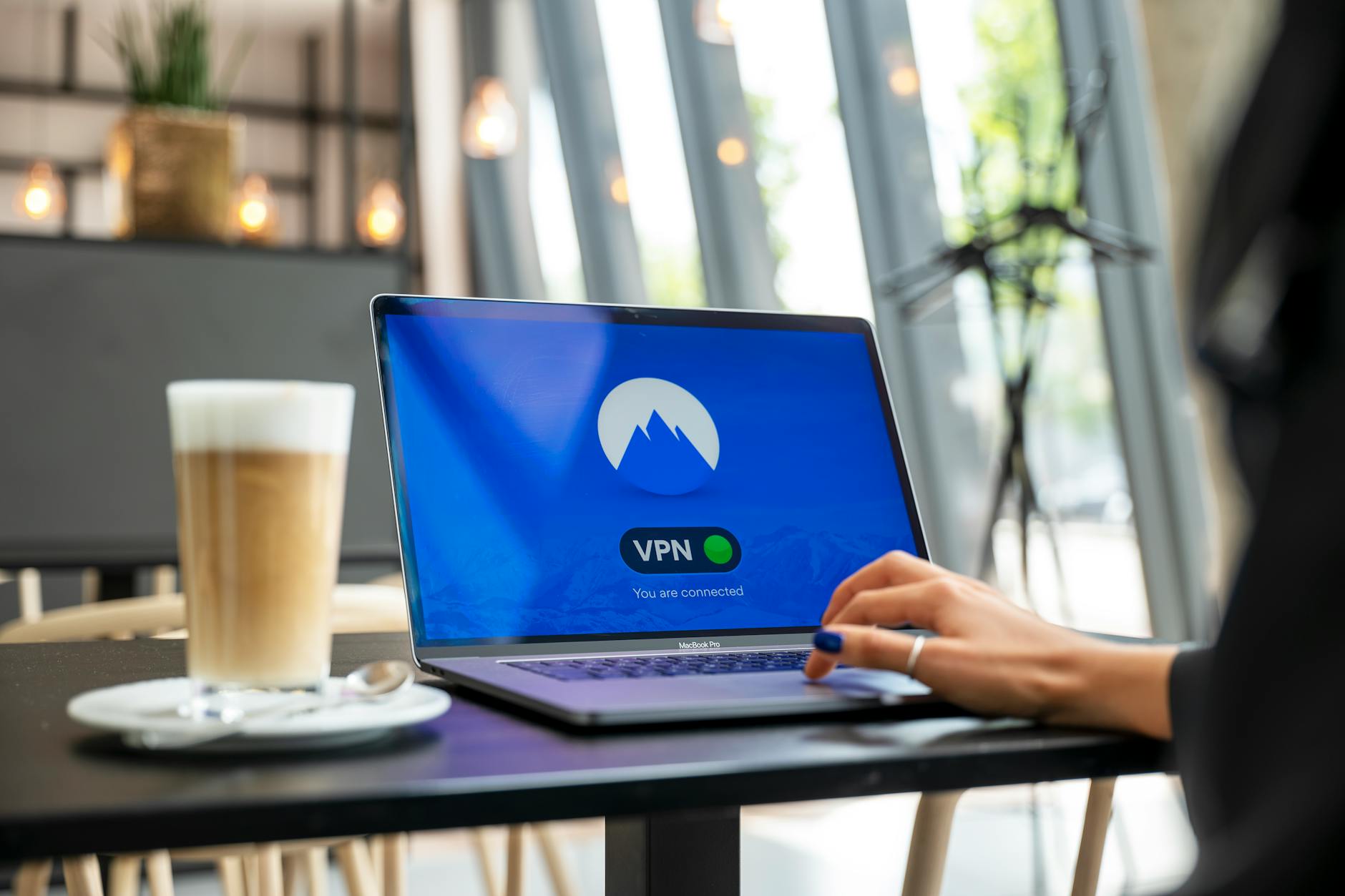
One caveat: public WiFi is fine for a sit-down at a café but patchy and less secure when you’re moving around. If you’ll use open networks a lot, a VPN is a sensible precaution — handy too given the general advice in my Copenhagen safety guide.
Coverage and 5G
No worries here — Denmark has excellent nationwide 4G and 5G coverage, and Copenhagen is blanketed. Whichever option you choose, you’ll get fast, reliable data across the city and on the metro. eSIMs typically run on the 3 (Tre) or Telia networks, both strong in the capital.
Which option should you choose?
| You are… | Best option | Why |
|---|---|---|
| An EU/EEA resident | Just roam on your home SIM | Free under Roam Like at Home |
| A UK visitor | Check your plan; eSIM if it charges | Some UK plans free, others ~£2/day |
| Non-EU, short trip | eSIM (5–10GB) | Instant, no ID, ~$7–21 |
| Heavy data / streaming | Unlimited eSIM (Holafly) or 40GB plan | Best for maps + video + tethering |
| Need a phone number | Orange Holiday eSIM or local Lyca SIM | Includes a number + minutes |
| Longer stay (1 month+) | Local Lebara/Lyca prepaid | Cheap big data, top up locally |
| Light user | Free WiFi + offline maps | Connectivity is excellent citywide |
How much data do you need?
For a typical city break — maps, messaging, social media, the odd video — 5GB comfortably covers a few days and 10GB a week or more. If you’ll be streaming music and video heavily or tethering a laptop, go for an unlimited plan instead. Remember that much of your usage will quietly happen on free WiFi at your hotel and cafés, which stretches your data further.
The bottom line
Connectivity in Copenhagen is a non-problem in 2026. Europeans roam free; everyone else should grab a cheap eSIM before flying and lean on the city’s superb free WiFi. Skip the old advice about buying a carrier SIM at the airport — an eSIM is faster and the local carriers don’t really cater to tourists anymore. Once you’re online, plan the rest with my Copenhagen travel tips, and don’t forget you’ll need the right plug adapter to keep your phone charged.
How to set up an eSIM, step by step
If you’ve never used an eSIM, it’s genuinely easy — here’s the whole process:
- Check compatibility: confirm your phone supports eSIM (most from 2018 on do) and is unlocked.
- Buy before you fly: choose a provider (Airalo, Saily, Jetpac, Holafly), pick a Denmark or Europe plan, and pay online. You’ll get a QR code by email.
- Install on WiFi at home: scan the QR code in your phone’s settings (Add eSIM / Add Cellular Plan). This installs the eSIM but doesn’t usually start the clock yet.
- Label your lines: keep your home SIM for calls/texts and set the eSIM as your data line, with data roaming turned on for the eSIM only.
- Land and go: the plan typically activates when it first connects to a Danish network. Toggle it on and you have data immediately.
The beauty is you keep your normal number active (for two-factor codes and the odd call on WiFi) while using cheap local data for everything else.
Calls and texts: do you even need them?
For most travellers in 2026, the answer is no. Almost everything runs over data: WhatsApp, Messenger, FaceTime, Signal and Telegram handle your calls and messages; Google/Apple Maps handles navigation; and email and apps do the rest. A data-only eSIM covers all of this. You’d only want actual local calling minutes if you need to phone Danish businesses (a restaurant, a clinic) directly — in which case an option like Orange Holiday Europe (which includes a number and minutes) or a local Lyca SIM makes sense. Otherwise, data is all you need, and you can keep your home number reachable over WiFi.
Staying secure on public WiFi
Copenhagen’s free WiFi is excellent and generally safe, but open networks are inherently less secure than your mobile data. A few sensible habits: avoid logging into banking on open café WiFi, make sure sites show https, and consider a VPN if you’ll use public networks a lot — it encrypts your connection on any hotspot. Having your own eSIM/SIM data is itself the best security, since you can rely on it instead of unknown networks when doing anything sensitive. For the broader safety picture, see my Copenhagen safety guide.
How much data do common activities use?
To right-size your plan, rough hourly data use: maps/navigation ~5–10 MB; social media browsing ~50–150 MB; music streaming ~70–150 MB; standard-definition video ~0.5–1 GB; HD video ~1.5–3 GB; a video call ~0.5–1.5 GB. For a city break where you’re mostly using maps, messaging and a bit of social media — and hopping onto free WiFi at your hotel and cafés — 5 GB comfortably lasts several days and 10 GB a week-plus. If you plan to stream a lot or tether a laptop, jump to an unlimited plan instead.
Connectivity beyond Copenhagen
If your trip includes day trips out of the city — castles up the coast, the cliffs at Møns Klint, or a hop to Sweden — coverage stays strong across Denmark, so your eSIM or SIM keeps working. One thing to note: if you cross into Sweden (say, on a Malmö day trip), a Denmark-only eSIM won’t cover you there, whereas a Europe-wide eSIM or EU-roaming SIM will. If you’re combining countries, choose a regional Europe plan rather than a single-country one. Coverage on trains and the metro is reliable too, so you can navigate and stream on the move.
Buying a physical SIM at the airport
Prefer a physical SIM and arriving by air? It’s quick: in the arrivals area of Copenhagen Airport you’ll find a 7-Eleven and a WH Smith selling prepaid SIMs (Lebara/Lycamobile), plus a SIM vending machine in baggage claim. Pop the SIM in, follow the activation steps (usually a text or a short setup), top up the data bundle you want, and you’re connected before you reach the train into town. It’s a fine option for longer stays or heavy data users — though for most short trips, the eSIM you set up at home is simply less faff.
Travelling as a family or with several devices
If there are several of you, or you’re carrying a small fleet of gadgets, a couple of strategies save money and faff. For a family, the cheapest approach is often to put a generous eSIM or local SIM on one phone and turn on its personal hotspot to share data with everyone else’s devices — far cheaper than buying a plan per person, and fine for maps and messaging. Alternatively, a pocket WiFi / travel router with a local SIM connects the whole group at once. If everyone wants their own line, larger multi-gigabyte eSIMs work out reasonably per person. And remember the city’s excellent free WiFi at the hotel and cafés does a lot of the heavy lifting, so you may need less paid data than you think.
Troubleshooting your eSIM
eSIMs are reliable, but if one misbehaves, here’s the quick fix list: make sure data roaming is switched on for the eSIM line (it’s the most common culprit); confirm the eSIM is selected as your data line in settings; toggle airplane mode off and on, or restart the phone, to force a fresh network search; and check you’ve activated the plan if your provider requires manual activation. If it still won’t connect, manually select a Danish network (e.g., the 3/Tre or Telia network your plan rides) in carrier settings. Crucially, install the eSIM before you fly while you still have home WiFi — you can’t easily install one if you land with no connection. Most providers also have 24/7 chat support, so save the app before departure.
Calling home from Copenhagen
For staying in touch with people back home, data-based apps are almost always the answer: WhatsApp, FaceTime, Messenger, Signal and Telegram all make voice and video calls over your data or WiFi at no extra cost, wherever your friends and family are. This sidesteps expensive international calling entirely. If you specifically need to dial a regular phone number abroad (a non-app landline, say), apps like Skype or Google Voice offer cheap call credit, or your eSIM/SIM may include some international minutes. But for the vast majority of travellers, keeping in touch costs nothing beyond the data you’ve already got — just hop on WiFi and call as normal.
Smartwatches, tablets and other gadgets
A few device-specific notes. A cellular smartwatch may support its own eSIM, but for a short trip it’s usually simpler to leave it paired to your phone over Bluetooth/WiFi rather than buying a separate watch plan. Tablets and laptops are best connected via your phone’s hotspot or hotel WiFi rather than their own data plan. E-readers need almost no data — download your books before you go. The general principle: put data on your phone, share it to everything else, and lean on free WiFi for the big downloads. That keeps your connectivity simple and your costs minimal.
A quick pre-trip connectivity checklist
- Confirm your phone is unlocked and (for eSIM) eSIM-capable.
- EU/EEA resident? Check your plan roams free — you may need to do nothing.
- UK? Check whether your carrier charges for EU roaming in 2026.
- Non-EU? Buy and install an eSIM (5–10GB) before you fly.
- Download offline maps of Copenhagen as a backup.
- Save your accommodation’s address and a few key spots offline.
- Consider a VPN if you’ll use public WiFi for anything sensitive.
Tick those off and you’ll step off the plane already connected, which is a lovely way to start a trip. It also helps that nearly everyone speaks English, so sorting a SIM or WiFi hiccup in a shop is painless, and that Copenhagen is essentially cashless, so you tap to pay for top-ups.

Frequently asked questions
Do I need a SIM card in Copenhagen, or is WiFi enough?
Free WiFi is excellent and may suffice for light users with offline maps. For reliable data on the move, an eSIM or local SIM is worth it — unless you’re an EU resident, in which case you just roam free.
Can EU visitors use their phone plan in Denmark for free?
Yes — under EU “Roam Like at Home” rules, your home allowance works in Denmark at no extra cost.
What’s the best eSIM for Copenhagen?
Airalo, Saily, Jetpac and Holafly all work well. Jetpac is often cheapest per GB; Holafly suits heavy/unlimited users. A 5–10GB plan is plenty for a city break.
Where can I buy a SIM card in Copenhagen?
At the airport (7-Eleven, WH Smith, a vending machine in baggage claim) and at 7-Elevens, Netto and kiosks citywide. Practical prepaid options are Lebara and Lycamobile.
Is there free WiFi at Copenhagen Airport?
Yes — free, unlimited WiFi throughout the airport, before and after security.
Is there 5G in Copenhagen?
Yes — Denmark has excellent 4G and 5G coverage, and Copenhagen is fully covered.
Keep your devices powered with my Copenhagen plug and voltage guide, double-check your entry requirements, and see everything else in the full guide to the practical basics.
Last updated: July 2026. Data prices and roaming rules change — confirm current plans with the provider before you buy.